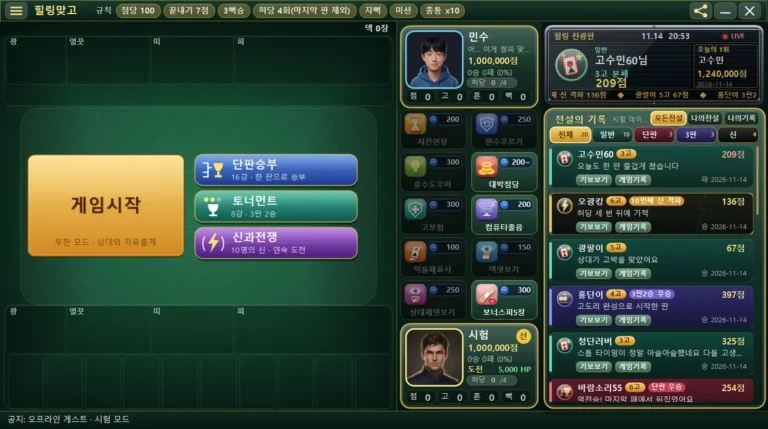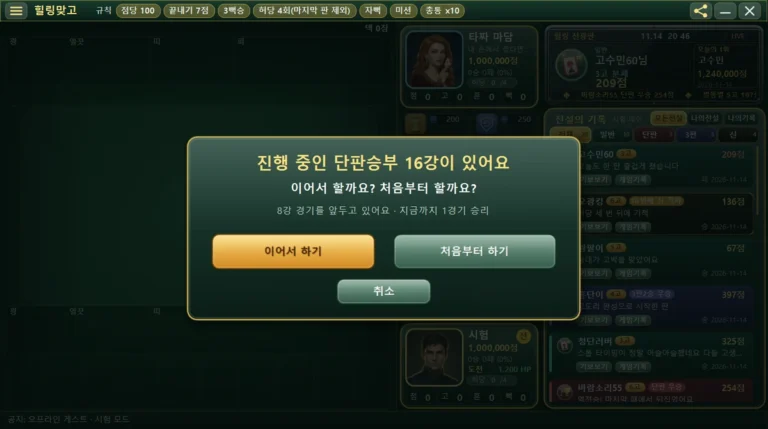
How to Use HealingMatgo’s Game Record Window: Replay Your Rounds and Open Files
A “gibo” is a record kept so that you can watch a round you played again from start to finish. It is the same word used for Baduk or Janggi game records. HealingMatgo has its own game record window that plays gibo, so you can watch them even without the internet.
1. What kind of window is the game record window?
- It is an independent window that opens separately from the game. If you close the game, the game record window stays, and if you close only the game record window, the game stays as it is.
- You can play it even without the internet (offline). The same player attached to posts on the website is built into the game.
- Game record file names end in the new format .hmg or the old format .gbo.
2. How to open the game record window
A. Open it from the ☰ menu
Press the ☰ button at the top left of the screen to open the menu. View game record is in the “Help” section.
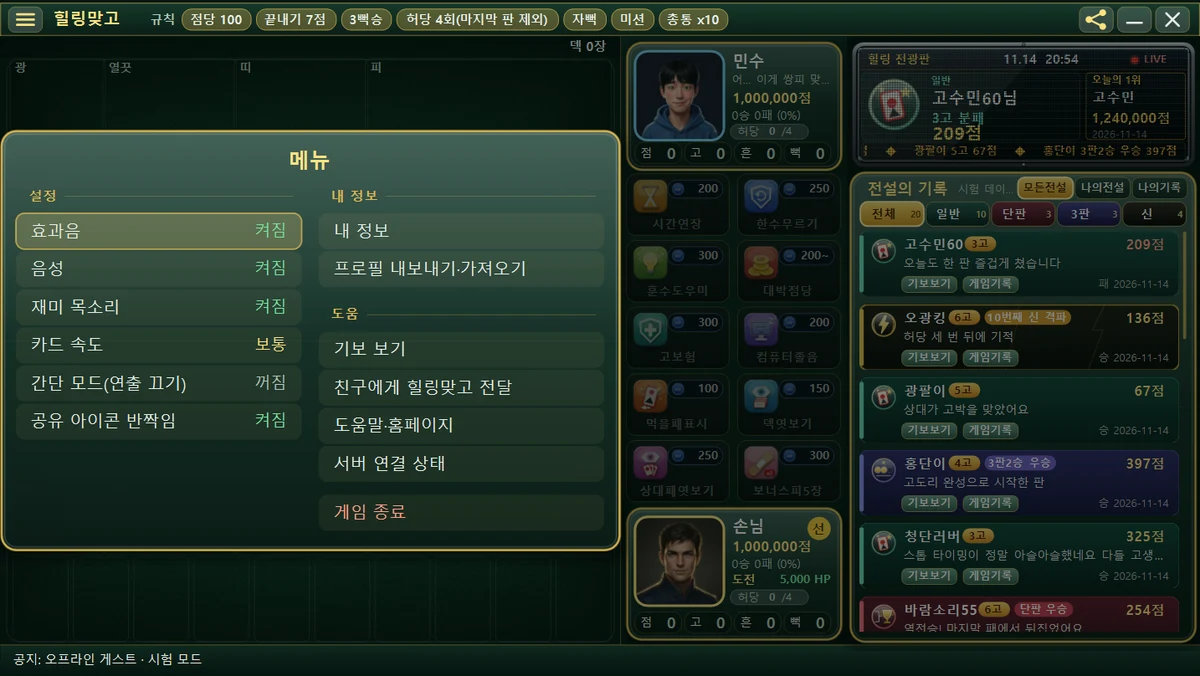
When you press “View game record”, a selection window appears and you can choose from three options.
| Choice | What it does |
|---|---|
| Open file | Pick and open a .hmg or .gbo game record file. |
| Recent (file name) | Reopen a game record you opened recently. Up to 5 are shown, and only those whose files still exist. |
| Open game record window | Opens an empty game record window with nothing loaded. |
B. Open it from the Hall of Legends or My records
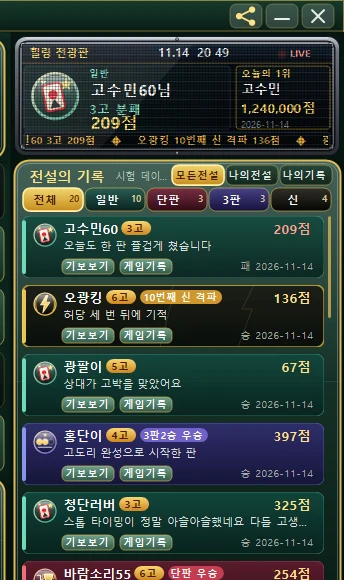
Just press the [Replays] button on a list card. The Hall of Legends side fetches the game record from the server and opens it, and My records opens the round saved on this computer.
C. Open it as a file
- An old-format .gbo file opens right away with a double-click (the game associates itself with the file type).
- In the game record window, press Ctrl+O on the keyboard and pick a file.
- Drag and drop a game record file into the game record window.
- Ctrl+Shift+O reopens the most recently opened game record.
3. How to play it back
With the buttons at the bottom of the game record window, you can move through the round back and forth.
| Button | What it does |
|---|---|
| ⏮ | Go back to the beginning. |
| ◀ | One move forward (previous move). |
| ▶ / ❚❚ | Play / pause. |
| ▶| | Next move. |
| Speed | Change the playback speed. |
| ⛶ Full view / ⛶ Small | Make the screen larger or smaller. |
| ⭳ Download game record | Get the game record as a file. |
| ↻ Watch again | Watch again from the beginning. |
With the keyboard
| Key | What it does |
|---|---|
| Space | Play / pause |
| → | Next move |
| ← | Previous move |
| F | Full screen (release with Esc) |
The buttons and commentary text in the game record window appear in the language you chose in the game (한국어 · English · 日本語). If you are connected to the internet, an ad may be shown in the game record window (ads guide). For how to change the language, see the language article.
With the [Export] button in the My records window you can save that round as an .hmg file. For details, see the Hall of Legends article.
4. When it will not open
If a game record cannot be opened, an easy message such as “Can’t open the game record” appears. Check whether the file was deleted or is not a valid game record file. If you click an external link inside the game record window, it opens only in your default internet window (browser).