Where Do Ads Appear in HealingMatgo? How to Inquire About Advertising
HealingMatgo is a game you can enjoy for free, so ads may be shown in the game and on the website. In exchange, you never need to buy or sell points, HP or items with money. This article sums up in simple terms where ads appear, whether you have to click an ad, and how to inquire if you want to run an ad.
1. Where ads appear in the game
| Where | When | Good to know |
|---|---|---|
| Start ad (popup) | When a round starts | By default, once every three rounds. The number can vary with the server settings. You can close the ad window as instructed. |
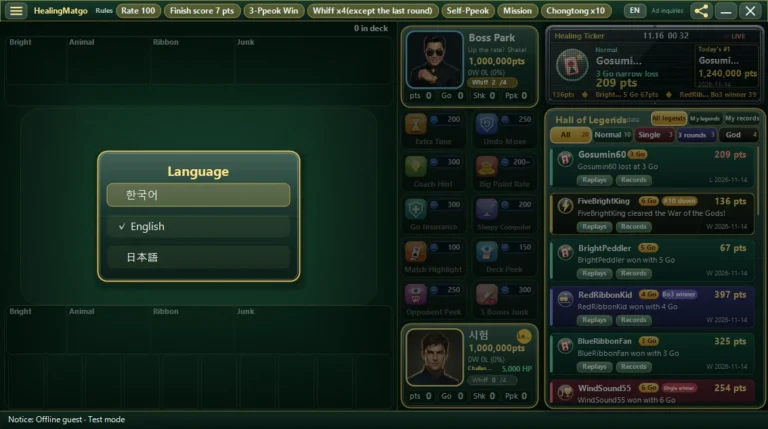
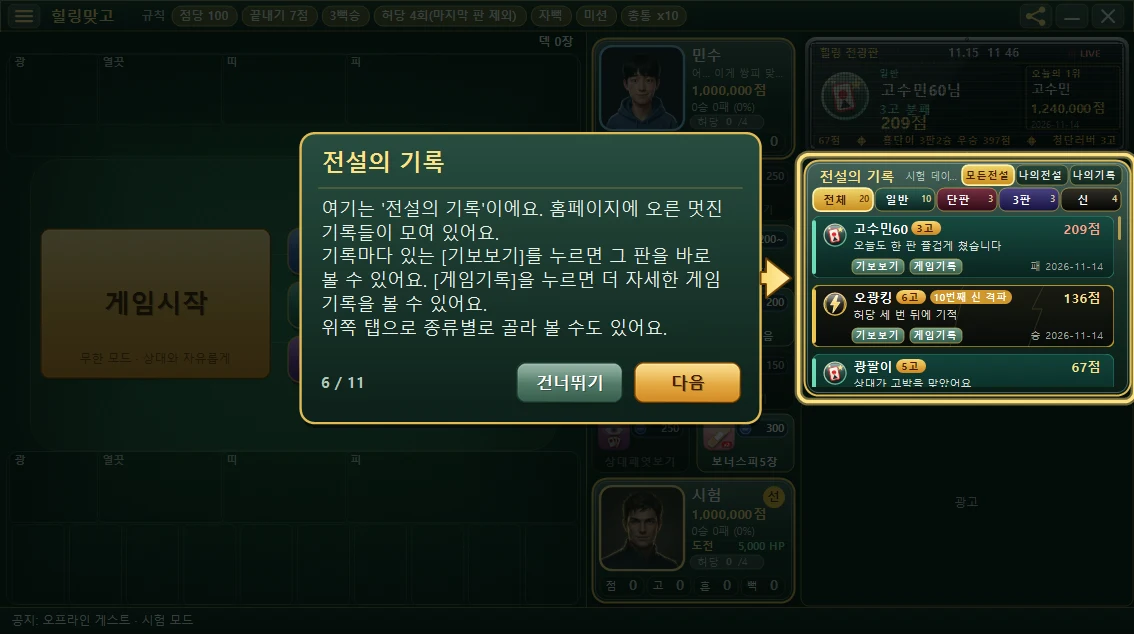
| Below the Hall of Legends | Right side of the game screen, below the records list | A small banner ad is shown at all times. |
| 0-score recovery ad | When your score hits 0 and you recover it | If the ad is turned on, you watch the ad and press [Restore score]. The details are in the gift and recovery article. |
| Game record window | When watching a round in the game record window | Shown when you are connected to the internet. |
No. HealingMatgo does not promise rewards in exchange for ad clicks (Terms of Service Article 10). With the 0-score recovery ad too, you do not need to click the picture; just press [Restore score] after the time has passed.
If you click a link in an ad and go to another site, the content and any dealings there are that site’s responsibility. Please be careful when clicking unfamiliar links.
2. Are ads the same for everyone?
Ads are fetched from the server and shown. So, as set by the person who placed the ad, different ads may appear depending on country or language. Someone living in Korea and someone living in Japan may see different ads. When there is no ad or no connection, the ad box is empty or a default message is shown.
3. I want to run an ad – how to inquire
If you want to run an ad on HealingMatgo or discuss a partnership, there are two ways.
- Straight from the game – click the small text “Ad inquiries” at the very top right of the game screen, to the left of the share icon. When you hover the mouse over it, it gets underlined and turns gold.
- From the ☰ menu – click ☰ menu → “Help & website” → “Ad inquiries”.
When you click, the website’s contact page opens in your internet browser. Choose “Ad inquiries” as the inquiry type on the screen and send us your company name, desired ad position, ad period and contact details.
HealingMatgo contact page – we reply to the email address you enter. Please do not write personal information such as passwords or resident registration numbers.