How to Share HealingMatgo with Friends: Copy Link, KakaoTalk and QR Code
If you enjoy HealingMatgo, tell your friends and family about it too. The game has a “Share HealingMatgo with friends” feature so you can send a link easily. We will show you where to find it and how to send it.
1. Where does the share window open?
You can open it in four places.
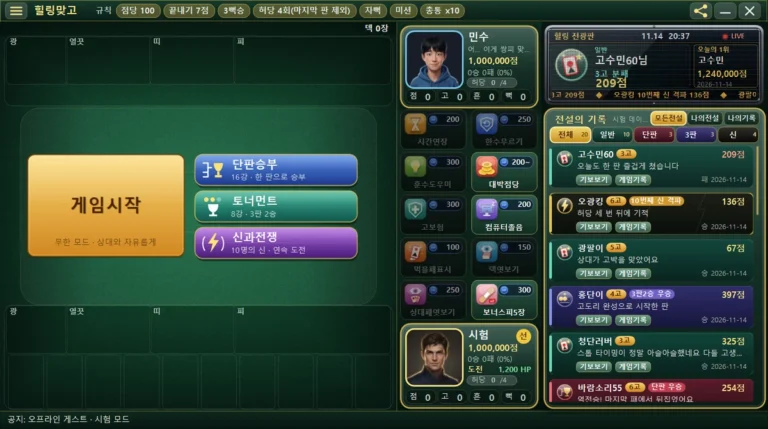
- The share icon in the title bar at the top right of the game screen (a shape of three dots joined by lines)
- In the “Help” section of the ☰ menu at the top left, Share with friends
- The “Share HealingMatgo (tell your friends)” button on the login screen
- The [Tell a friend] button in the quit confirmation window that appears when you close the game
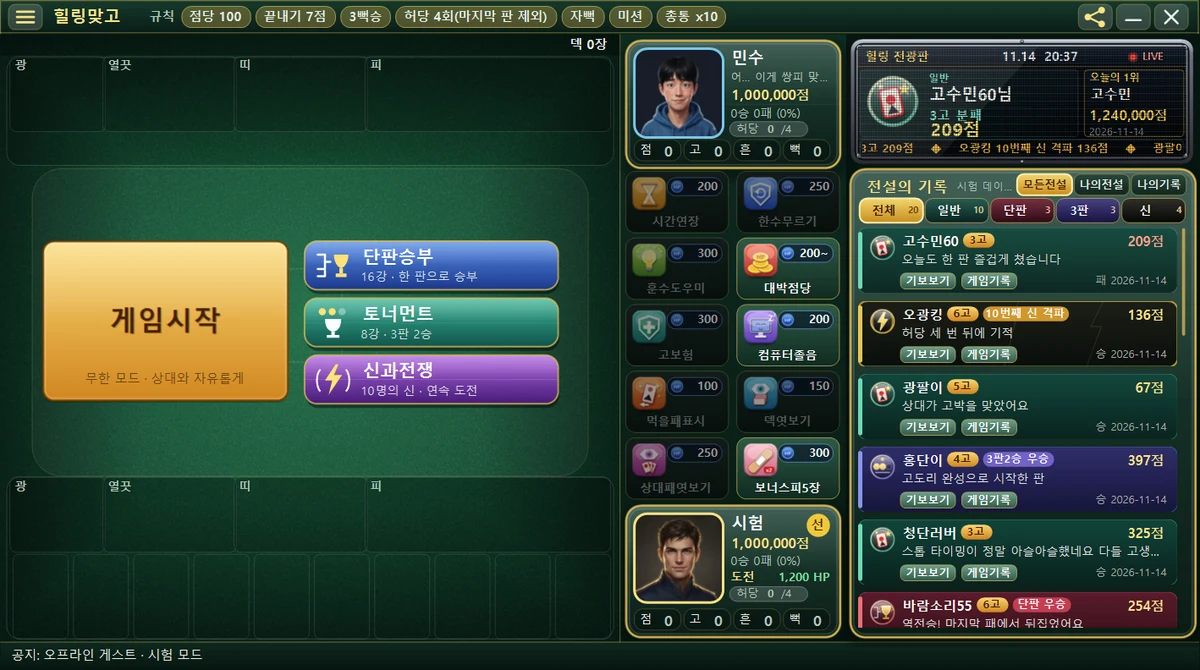
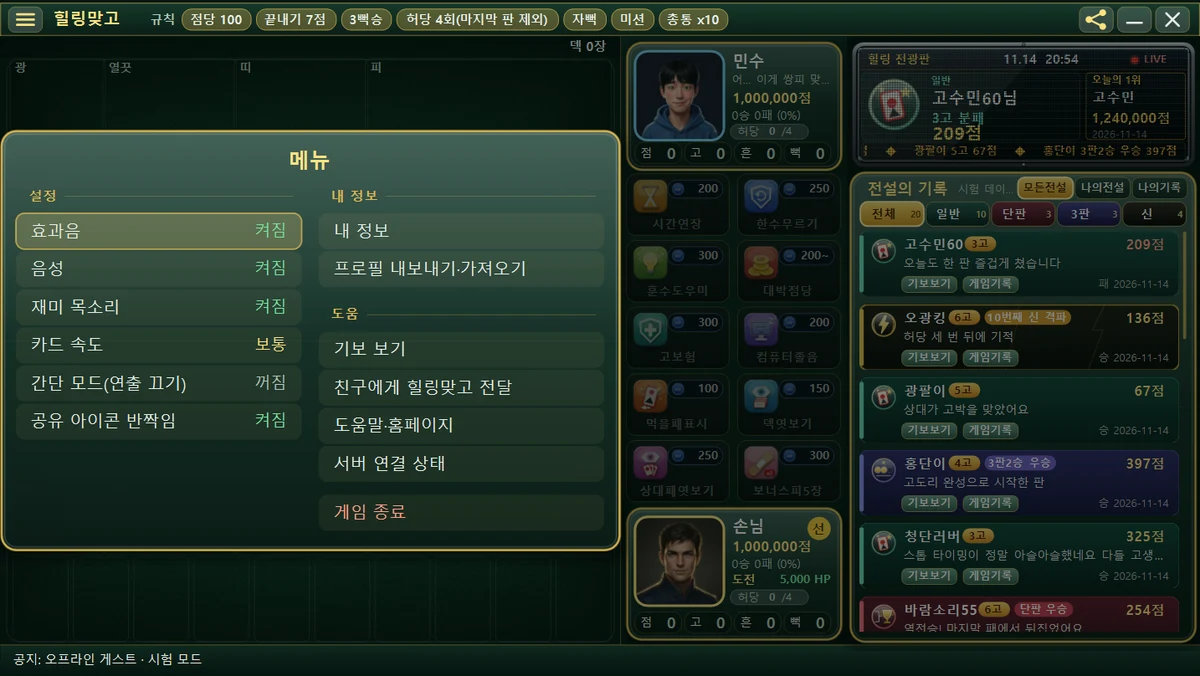
Sometimes the share icon sparkles. If the sparkle bothers you, you can turn off “Share icon sparkle” in the Settings of the ☰ menu. Once you have clicked the icon today, it will not sparkle any more that day.
2. How to send (share window buttons)
The share window shows the title “HealingMatgo – Share with friends” and the message “Tell your friends about HealingMatgo!”. Pick whichever of the buttons below is convenient.
| Button | What it does |
|---|---|
| Open Windows share window | Send through the share window that Windows provides. |
| Copy link | Copies the link. Use it to paste into KakaoTalk and the like. |
| Show QR code | Shows a QR code. |
| Send by email | Connects to an email compose screen. |
| Band / Facebook / X (Twitter) | Share to each service. |
| Close | Closes the share window. |
To send by KakaoTalk
- Press [Copy link] in the share window.
- Open a KakaoTalk chat window.
- Press Ctrl+V on the keyboard in the input box to paste, then send.
3. What message is sent?
By default, this message goes in.
A friend sent you HealingMatgo! How about a round of Hwatu? (Free PC game)
https://healingmatgo.com/download
An anonymous tag that shows where it came from may be added to the end of the address, but it contains no personal information.
4. Good to know
- While the share window is open, the time limit for your turn is paused. Feel free to take your time.
- The quit confirmation window appears once the first time you close the game after launching it. It has the message “Did you enjoy today? Tell a friend about HealingMatgo and you can play together.” and the [Quit] [Continue] [Tell a friend] buttons.